How to Filter Employees in the Employee Directory
Last updated: August 7, 2026
What can I filter by?
Locations
Departments
Languages
Tags
Roles
Admin
Employee
Manager
Messaging Status
Receiving
Stopped: opted out of messaging
Employment Status
Active: employed
Inactive: terminated
Note: The Location filters have a dedicated filter dropdown that you can find to the left of the main filter button.
How do filters work in the Employee Directory?
Within each filter category your selections will "OR", and across each category your selections will "AND". Examples:
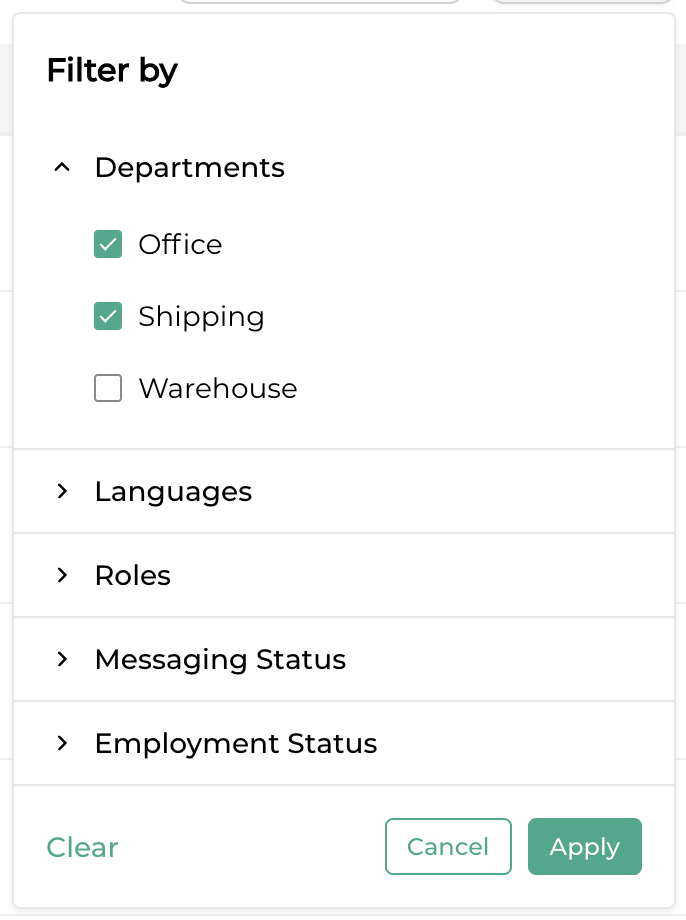
The above image shows a filter that will find all employees that have a department of "Office" OR "Shipping".
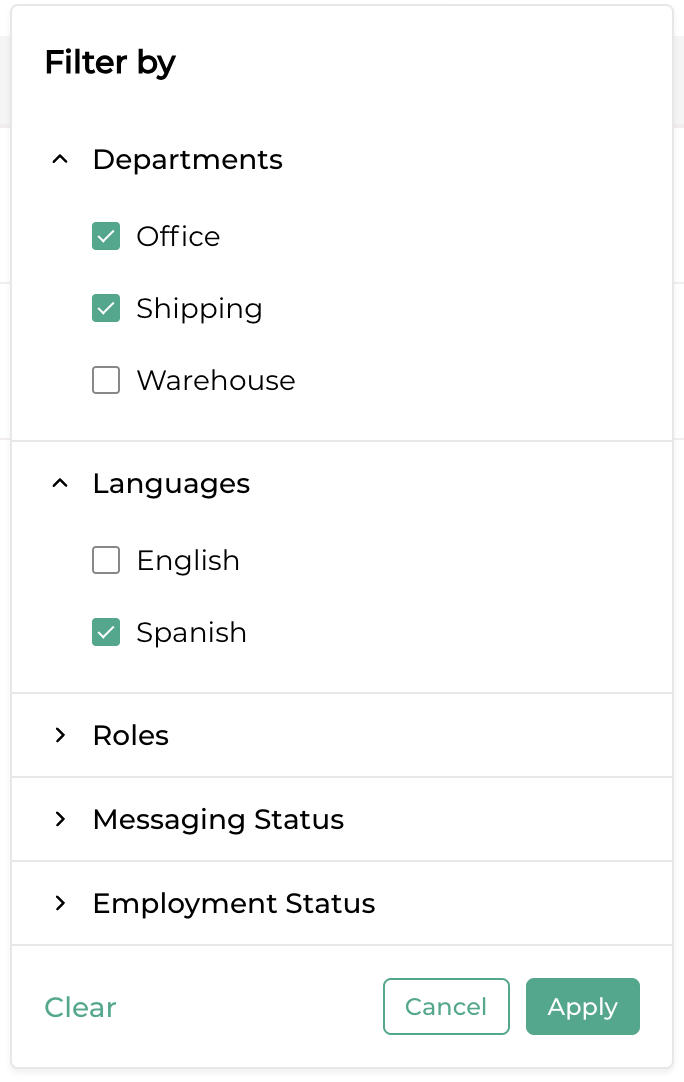
The above image shows a filter that will find all employees that have a department of "Office" OR "Shipping" AND have their Language set to "Spanish".